We would like to remind families that individual meetings with teachers can be booked directly through Glide.
Please note that individual meetings are held online, unless a different arrangement has been agreed directly with the teacher.
To book a meeting, please follow these simple steps:
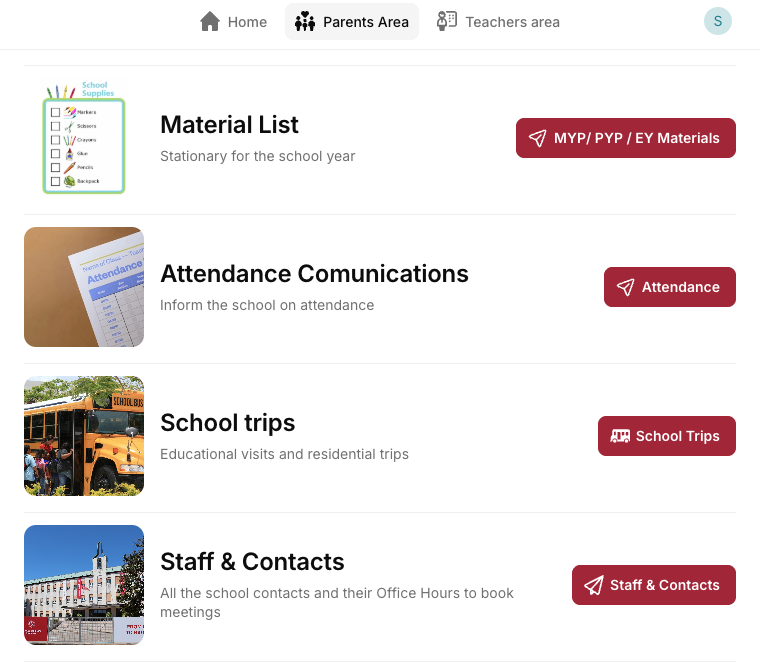
- Log in to Glide and go to the Parents Area.
- Select Staff & Contact.
- Search for the teacher you would like to meet.
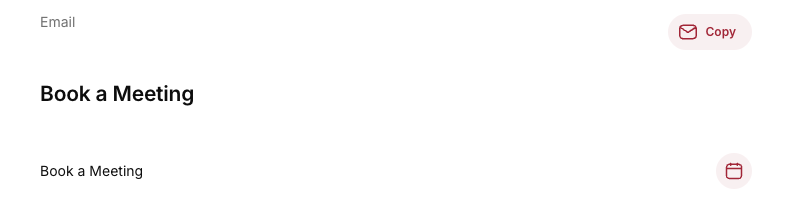
- Select Book a Meeting.
- Choose the available date and time that works best for you.
We kindly invite families to use this booking system whenever they would like to arrange an individual meeting with a teacher.